

PLC Documentation: 3 Layers and a Handover Checklist
What belongs in PLC documentation: three layers from code to plant file, a checklist for the handover and how to proceed with only an online upload.
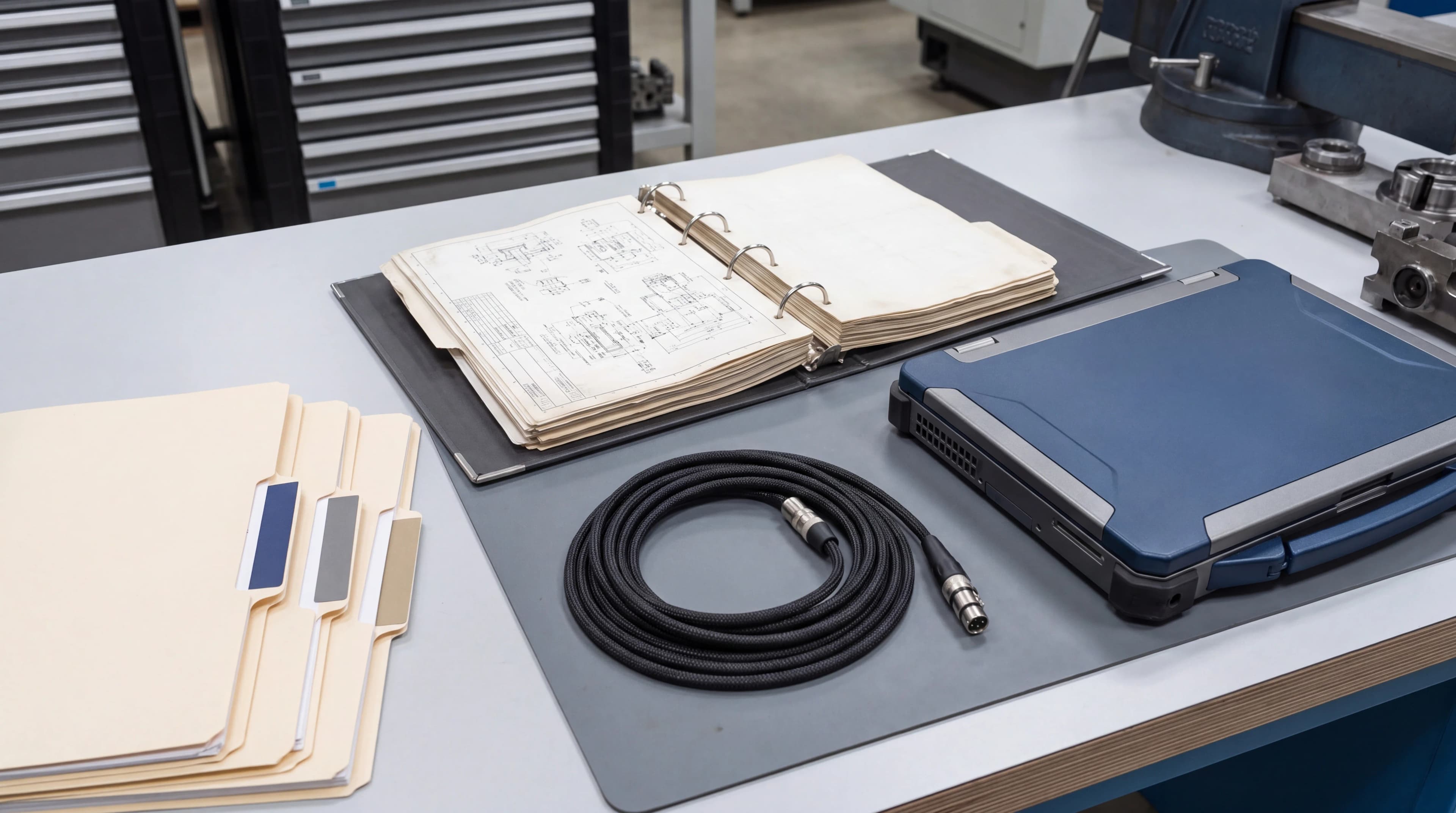
Why PLC documentation is almost always missing
Hardly any automation project fails because documentation is missing. It fails later – at the first extension, the first fault after hours, the first change of programmer.
The reason is rarely negligence. It is structural: documentation is produced at the end of a project, and the end of a project is where schedule pressure peaks. The plant runs, acceptance is due, and the question "is the documentation finished?" competes with "is the line running?". The answer is predictable.
I see the result on nearly every retrofit: a TIA Portal project without comments, a symbol table full of Merker_47, a wiring diagram from 2009, and an operating manual describing a plant that stopped existing three modifications ago.
The three layers of PLC documentation
Usable documentation has three layers, each answering a different question. Delivering only one of them is not documentation – it is handing over material.
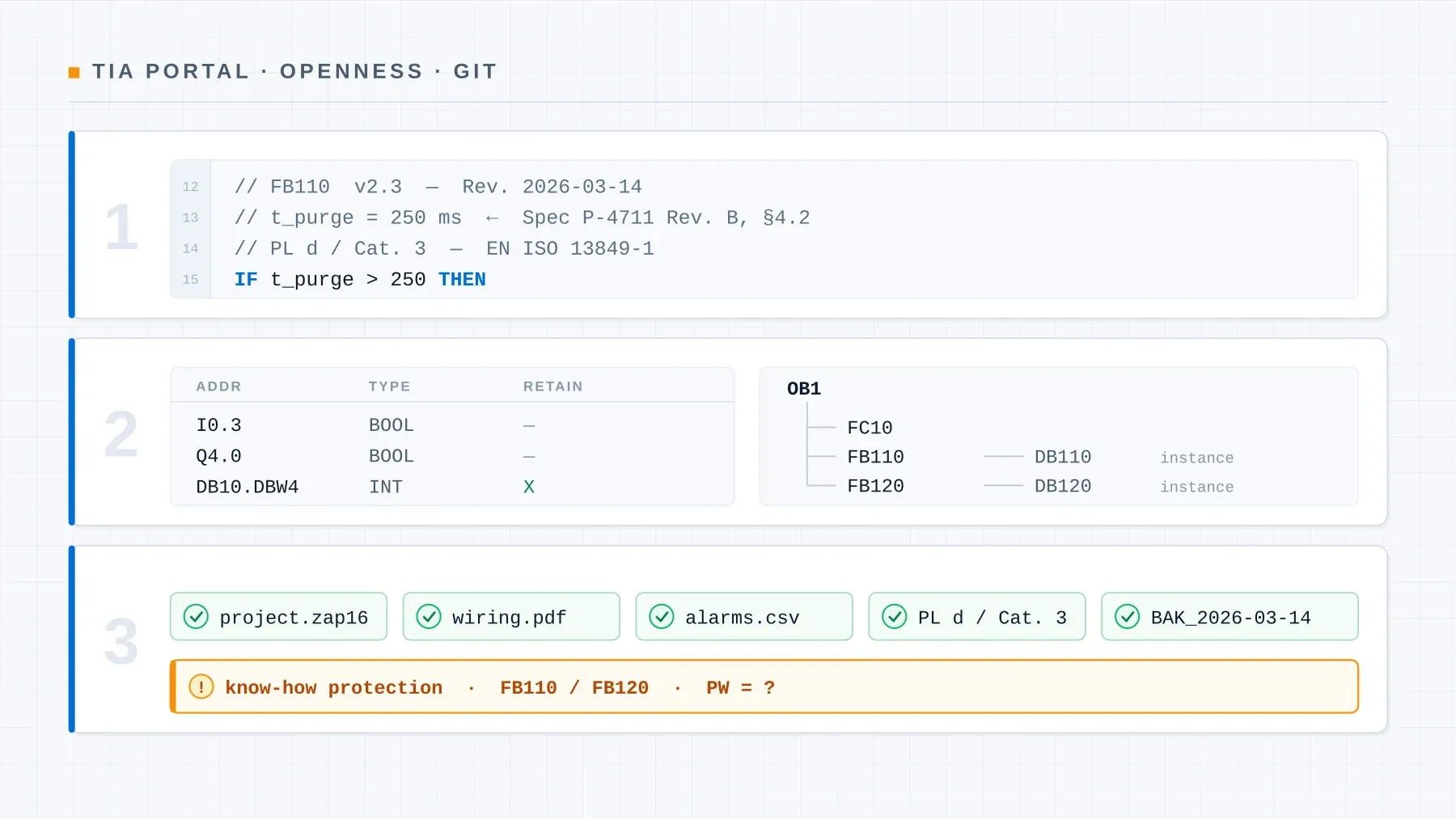
Layer 1: In the code – why something is the way it is
This layer answers the question no wiring diagram answers: why is that there?
The code already shows what happens. A comment repeating that is worthless:
// worthless: only repeats what the code already says
bMotorRun := TRUE;  // switch on motor
A comment becomes valuable when it records the reason – especially for anything that looks arbitrary:
// useful: records why this number is this number
// 2 s delay: hydraulic pressure must be established before start,
// otherwise the feedback times out (requirement REQ-HYD-012,
// commissioning log 2026-03-14)
tDelayStart(IN := bStartRequest, PT := T#2S);
qxMotorStart := tDelayStart.Q;
The rule of thumb: every constant that is not self-explanatory needs a source. Where does the 2 seconds come from? Who set the 78.5 °C limit? Without that, nobody will dare touch the value in five years – and the plant stays stuck on a parameter no one understands any more.
Every function block deserves a header with purpose, version and change history:
(*
  Name:         FB_MotorControl
  Version:      1.2.0
  Author:       David Prybisch
  Last change:  2026-03-14

  Purpose:
    Standardised motor control with start delay,
    feedback monitoring and fault latching.

  Interface:
    IN  : bStartRequest, bFeedbackRunning, tTimeoutFeedback
    OUT : qxMotorStart, qxFault, wStatusNamur

  Not included:
    No speed control – use FB_DriveControl for that.

  History:
    v1.2.0  2026-03-14  Timeout monitoring added
    v1.1.0  2025-10-15  NAMUR NE 107 alarm integration
    v1.0.0  2025-09-01  Initial version
*)
The "Not included" section is almost always omitted and is one of the most useful. It stops someone using a block for something it was never designed for.
Layer 2: In the project – how the parts fit together
This layer answers: how does it all interlock?
- Block overview with one sentence per block. Not essays – one sentence stating what it is responsible for. TIA Portal can export the structure; the sentence is added by hand.
- Symbol and tag table, fully commented. This is the part whose absence hurts most later: an online upload without symbols is practically unreadable.
- Operating mode concept: manual, automatic, setup, fault – and the permitted transitions between them. Best drawn as a state diagram, not written as prose.
- Interface description: which data goes to the HMI, to the supervisory system, to the neighbouring unit? For OPC UA, include the namespace structure.
- Alarm list with number, text, cause and – more important than any of it – remedy note. An alarm reading "Fault drive 3" without guidance is half an alarm.
Layer 3: The plant file – what concerns the operator
This layer answers: what does operations need to know without opening TIA Portal?
- Hardware configuration: CPU type, firmware version, modules with order numbers, address assignment, network topology with IP addresses and PROFINET device names.
- Safety documentation: for failsafe programs, the verification per EN ISO 13849 or IEC 62061 – safety functions, achieved performance level, F-parameters, test records. Not optional: this is part of CE conformity.
- Backup states: archived project with date, plant condition and responsible person. A backup without a date is data waste.
- Restart description: what to do after a power failure? This single page is read more often than the entire rest.
Handover checklist
When a plant is handed over, this list decides whether the operator can work independently tomorrow. I go through it at every commissioning:
| # | Item | Done when … |
|---|---|---|
| 1 | Project archive | Archived TIA Portal project is with the customer, not only the integrator |
| 2 | Symbols complete | No tag without a meaningful name and comment |
| 3 | Block overview | Every FB/FC with a one-sentence purpose |
| 4 | Hardware configuration | CPU, firmware, modules, IP addresses, device names documented |
| 5 | Operating mode concept | States and transitions described traceably |
| 6 | Alarm list | Number, text, cause and remedy note per alarm |
| 7 | Safety verification | PL/SIL proof, F-parameters, test records complete |
| 8 | Interfaces | HMI, supervisory systems, OPC UA namespace described |
| 9 | Backup | Dated backup with plant condition and responsible person |
| 10 | Restart | One page: what to do after a power failure? |
| 11 | Access credentials | Passwords / know-how protection documented and handed over |
| 12 | Change status | Last change dated, reason recorded |
Keeping documentation current
Documentation that is only accurate at acceptance is a snapshot. Two things make it grow with the plant – and both are organisational, not technical.
First: versioning. Every project change gets a version and a reason. With TIA Openness, projects can be exported to a text-based format and genuinely versioned in Git – then the change history is no longer a hand-maintained comment block but falls out of the commits.
Second: document changes while you still remember why. The night-shift change made "just quickly" is the classic start of documentation drift. A dated two-liner in the block header costs two minutes and saves the next colleague.
A practical intermediate step: the online/offline comparison in TIA Portal shows whether the plant still matches the documented state. Running it once before any larger intervention surfaces undocumented changes before they become a problem.
When only an online upload remains
The most common case in practice – and the reason retrofit projects run over budget: the original project has vanished. What remains is an upload from the running CPU, without symbols, without comments, with absolute addresses.
That is not hopeless, but it is laborious. The approach that has proven itself for me:
- Secure the upload before anything else happens. A second backup on separate media. The state you find may be the only remaining source.
- Peripherals first. Inputs and outputs can be mapped via wiring diagram, terminal plan and the plant itself. Tedious but unambiguous – and the anchor for everything that follows.
- Work backwards from the actuators. Take an output, use cross-references to trace which conditions set it. Block by block, a picture of the logic emerges.
- Name things the moment you understand them. Every identified tag immediately gets a meaningful name and a comment with the evidence. Postponing this means doing the work twice.
- Verify against the plant. What you believe you understand has to hold up in operation. Watch tables show whether your assumption carries.
The result of such a reconstruction is more than a readable project: it is what makes the next extension calculable again.
Conclusion
PLC documentation is not a chore at the end of a project but the condition for a plant staying maintainable across its life cycle. If your time is limited, these three points return most of the benefit:
- Comments that record the why – especially for numbers that look arbitrary.
- A complete, commented symbol table – the difference between a readable and a dead project.
- An alarm list with remedy notes – the document that actually gets read during a fault.
Doing these three consistently achieves more than a 200-page manual nobody opens.
Further reading
- PLC Programming: 8 Best Practices for Clean, Maintainable Code – the foundations every documentation builds on
- PLC Troubleshooting: Narrowing Down Systematically – where good documentation pays off during a fault
- The 5 PLC Programming Languages of IEC 61131-3 – which language creates which documentation burden